

Add New Poll
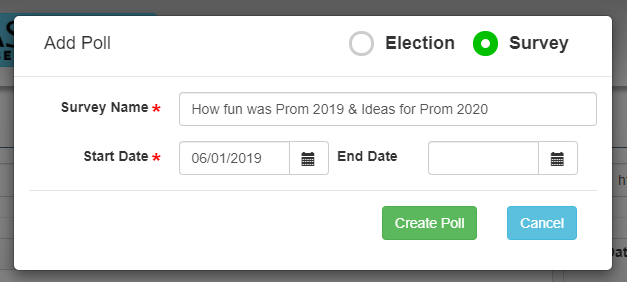
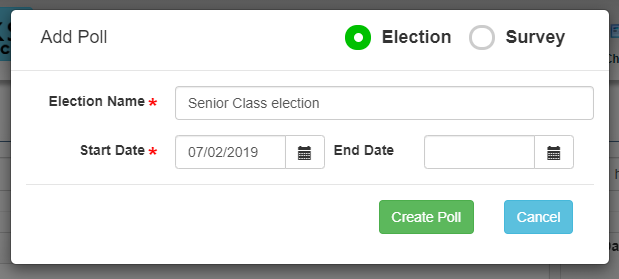
1. Create a Survey or an Election:
Select Survey to collect information through a questionnaire. Multiple choice questions are the most common type of survey questions, in which, some of the popular question types are Yes/No, Good/Bad, Rank Order, Rating Scale, and Open Ended.
Select Election for student to vote for a person, or group of people, for a political office or other position
•Click Add New Poll
•Enter Survey/Election Name, Start Date, End Date and click Create Poll
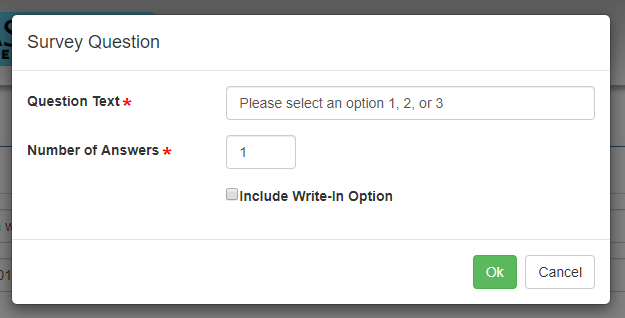
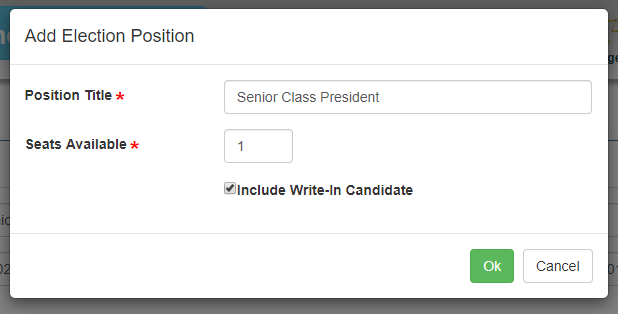
2. Add Survey Question(s) or Election Position(s):
•Click Add Question or Add Position
•Enter Question/Position, Number of Answer(s), check box whether to include Write-In Option, and click Ok
3. Add Option(s):
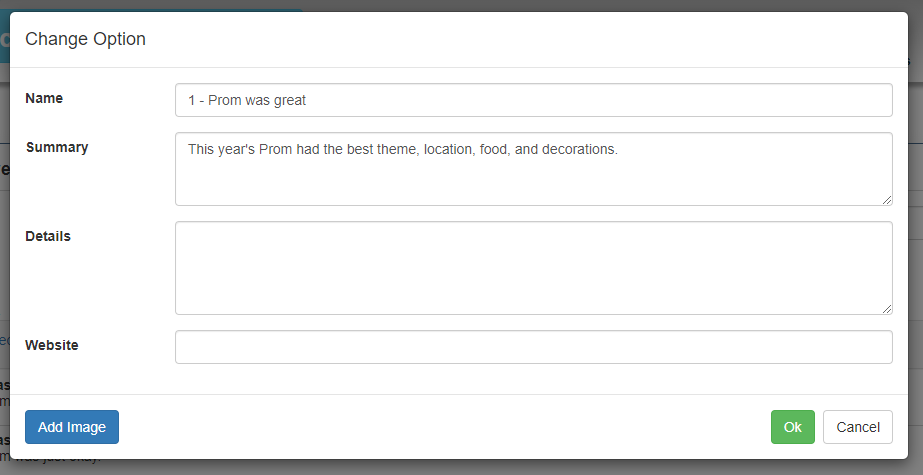
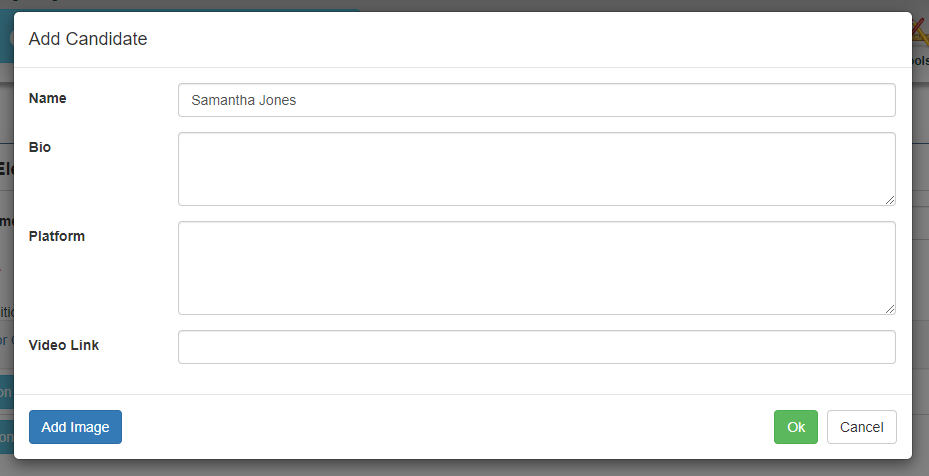
•Use Options to provide information regarding Survey Questions or Election Positions
•Enter Name
•Enter other optional items:
•For Survey: Summary, Details, Website link, Image, and click OK
•For Election: Name, Bio, Platform, Video Link, Image, and click OK
4. Select your Grades/Groups that can vote:
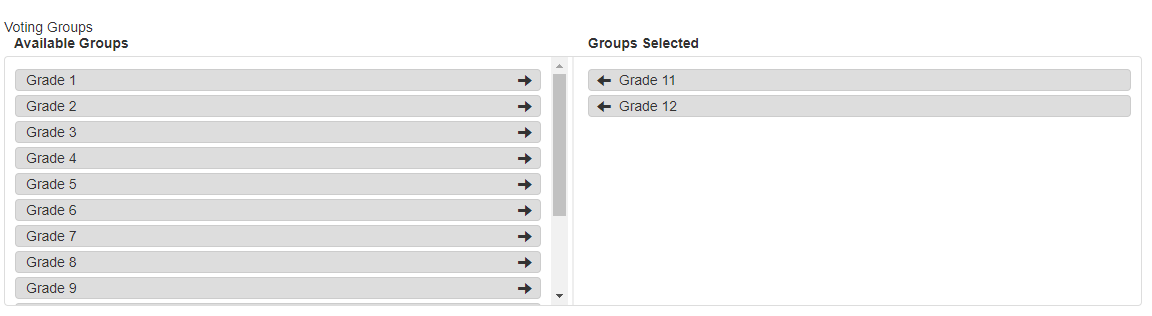
•Add Voting Group(s)
•Voters can be made up of Grade Levels and/or Groups
•Groups are created via Admin> Individuals > Groups > Add New Group > Add the list of members
•Note: Ensure that all users have been imported via Polling Users > Import Users
Copyright © 2010-2019 ASBWorks™